Materia Browser was built for one person first: me. I’m a published author, a graphic designer, and a digital artist — and I live in a dozen tabs at once, swimming through the same social-media churn and ad-clutter I’d honestly rather never look at. I wanted a browser that got out of the way and let me think.
So I built one. Private by default, fast, clean, and ruthless about cutting noise — the kind of tool a creative mind can move through without drowning. It started as a fix for my own problem. Now I’m sharing it, in case it quiets yours too — creative or not.
Why It Exists
Because the modern web is loud. Ads, trackers, “turn off your ad blocker” walls, the endless social pull — it all competes for the attention you’d rather spend creating. Materia is the answer to a personal need: a browser that defends your focus and your privacy by default, so the work in your head is the loudest thing in the room.
Who It’s For
Creatives who juggle reference, research, and a wall of social tabs. Anyone tired of being tracked, sold, and nagged. People who want speed and privacy without fiddling with ten extensions. If you’ve ever wished your browser would just be quiet and let you work — it’s for you.
Privacy & Quiet
It Defends Your Attention
Real Ad & Tracker Blocking
A built-in blocker running the full uBlock filter set — ads, trackers, and cookie banners gone, on by default. Pop-unders and ad tabs are vetted against the blocklists before they can even open. No extensions to install.
Private By Default
Encrypted DNS, WebRTC leak protection, Global Privacy Control & Do-Not-Track signals, and tracking-parameter stripping — all automatic.
Zero Telemetry
Materia sends nothing about you, anywhere. No analytics, no profiling, no phone-home. Your browsing stays on your machine.
Clear, But Stay Logged In
One press wipes cache and site junk while keeping your sign-ins. Or nuke everything. Your trail, your call.
Kill Blocking Overlays
Right-click → Remove page overlays to clear “disable your ad blocker” walls and restore scrolling, instantly.
Safe Browsing
Known phishing and malware sites are blocked with a clear warning, using open threat blocklists — no Google account required.
Flow & Focus
It Keeps Up With You
Color-Coded Workspaces
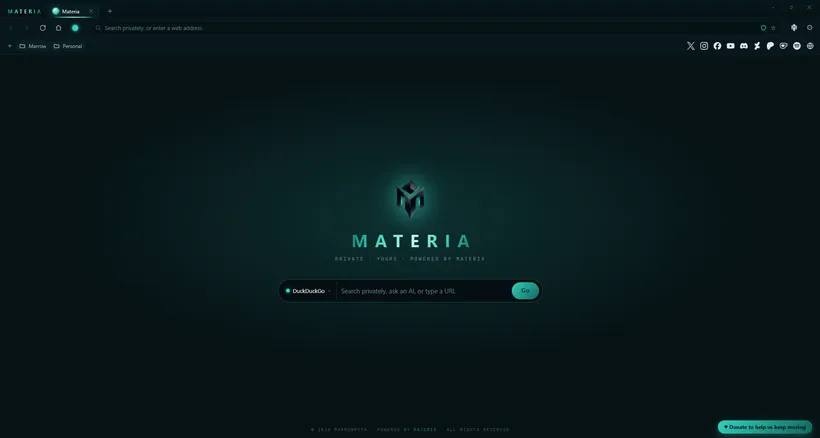
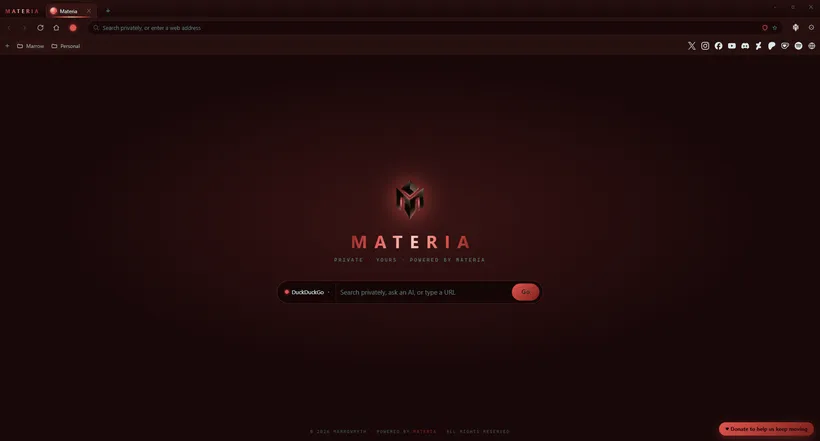
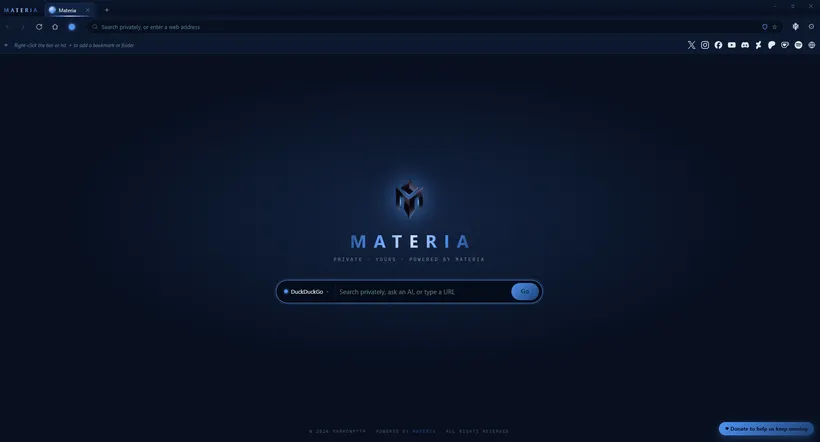
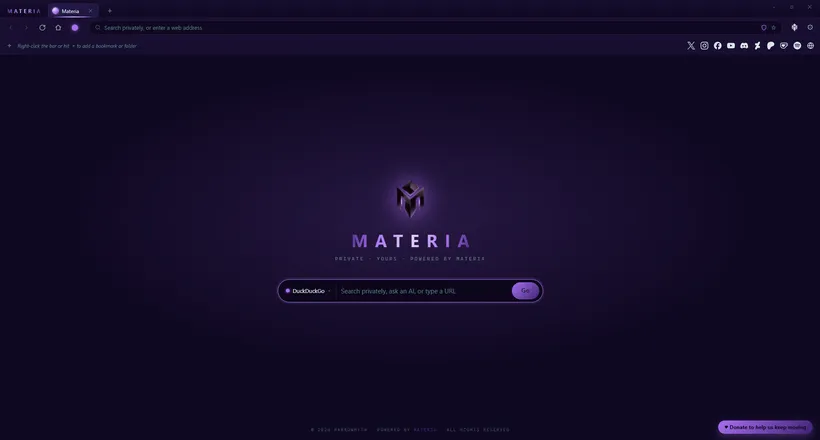
Up to five separate, always-logged-in spaces — work, personal, research — each with its own color theme. Switch contexts without crossing the streams.
Split View
Two pages side by side in one window. Reference and write, watch and read, compare and decide — no window juggling.
Tear Off Into Windows
Drag a tab out of the window — or right-click → Open in new window — to pop it into its own window. Each window stands on its own, with your workspace logins intact.
Copy Across Workspaces
Copy a workspace’s bookmarks and logins into another in one click — and the copy is fully independent. Set a space up once, branch it whenever.
Power Tabs
Pin, mute, duplicate, drag-reorder, and reopen closed tabs (Ctrl+Shift+T, or right-click the tab bar). Mouse back/forward buttons work, and a link that opens a new tab switches you straight to it. The little things that make a hundred tabs survivable.
Smart Address Bar
Live suggestions, bang commands (!yt, !w, !gh…), an inline calculator, and your pick of search engine.
AI On The New Tab
Ask ChatGPT, Claude, Gemini, Grok, or Perplexity straight from the start page — your question carries right into the chat.
Bookmarks & Your Socials
A clean bookmarks bar with folders — and a level of subfolders — that you organize by dragging; Ctrl+D bookmarks any page. Plus pinned icons for your own social profiles; right-click one to copy its link to share.
Built-In Video Downloader
Paste a link, pick a quality, done — powered by yt-dlp, saved straight to your Videos folder.
Notes & Reminders
A built-in notes panel with tabs and note chips. Set a reminder on any note and get a desktop notification — the button glows until you clear it. Tuck it away to the gear when you don’t need it.
Force Dark, Any Site
Right-click → Force dark mode on any page. It drives Chromium’s real dark engine — not a crude invert — so photos stay intact, and it remembers your choice per site.
Speaks Your Language
Set your preferred page language so sites stop defaulting to wherever you happen to be sitting. Pick it once; new pages load the way you read.
See It
A Browser That Gets Out Of The Way
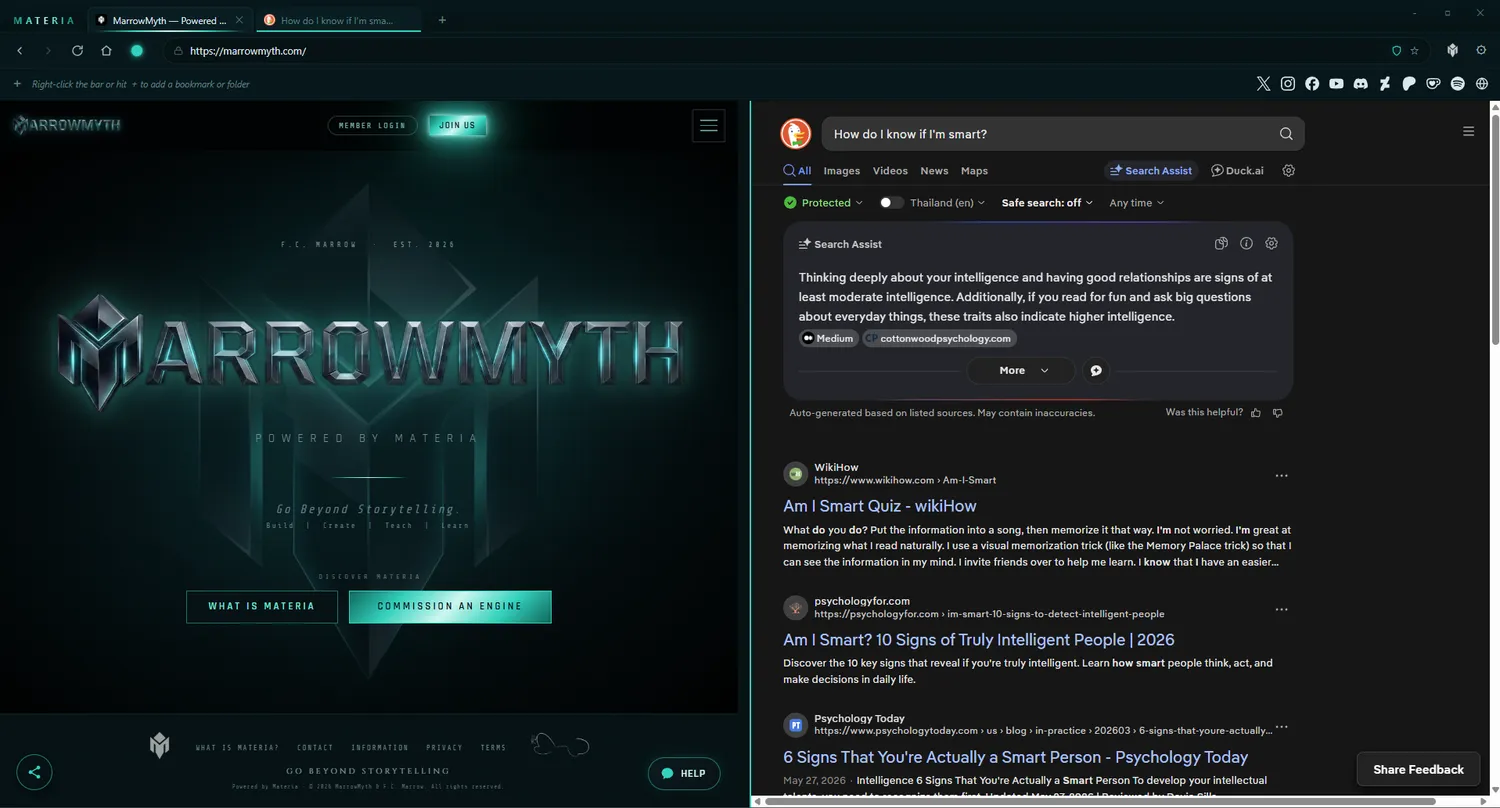
Split view — keep a page and an AI side by side, no window juggling.
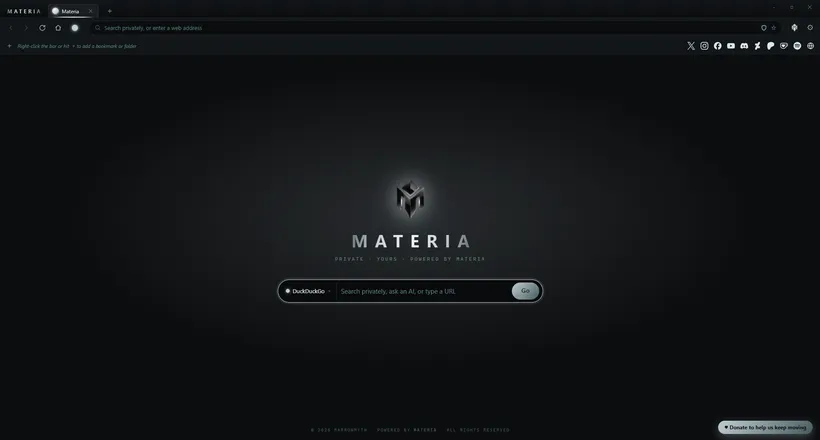
Five Themes · A Color Per Workspace
Get Materia Browser
Quiet your tabs. Free your head.
Free for Windows, built on Chromium, private from the first launch. Download it, sign into your life, and let the noise fall away.
Windows may show an “unknown publisher” prompt — choose More info → Run anyway. Materia is unsigned by choice, and only ever distributed here.